500+ PUBG Fonts (2026) – Copy & Paste Stylish Fonts
Best PUBG Fonts (Copy & Paste)
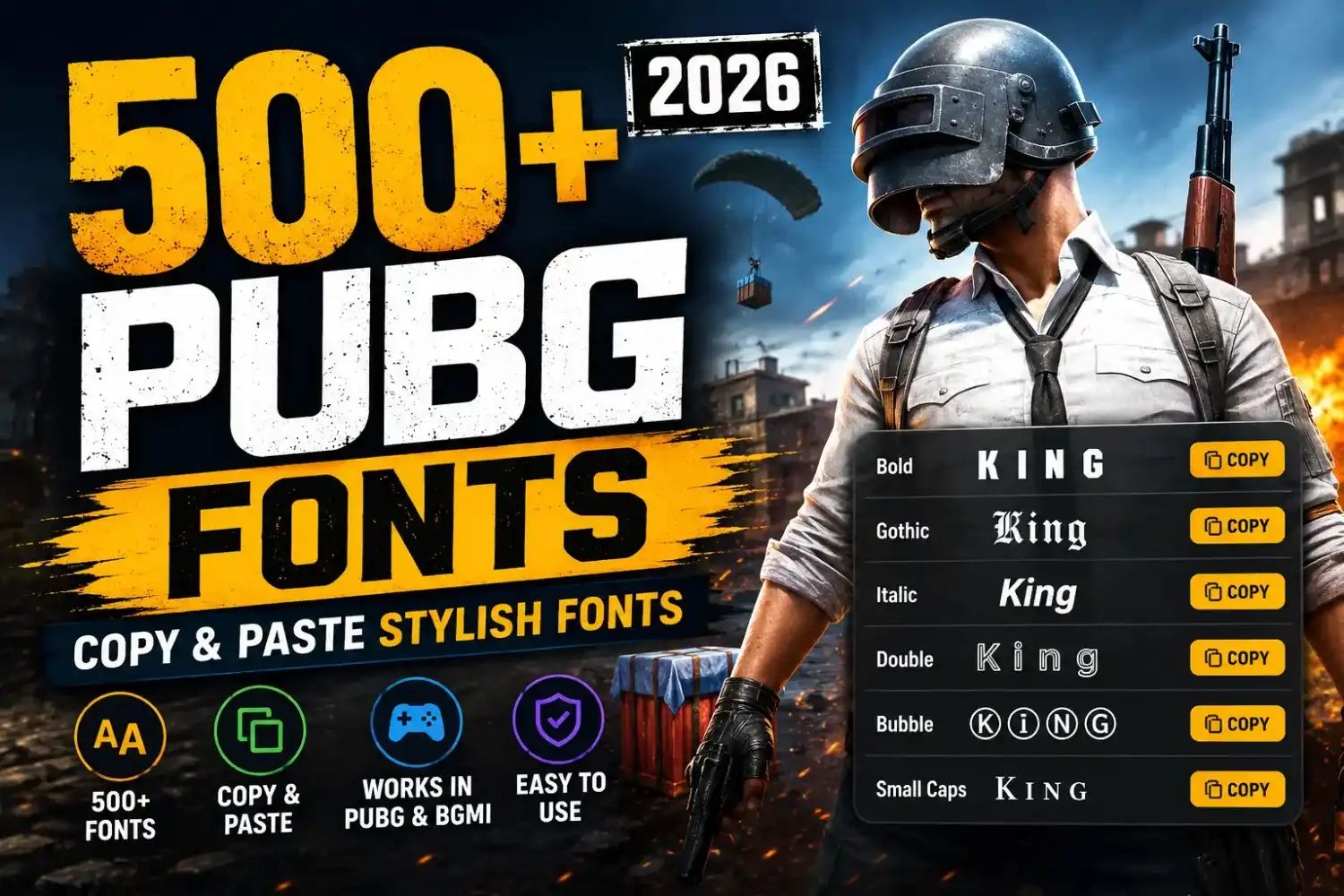
Copy your favorite PUBG font with one click. These Unicode fonts can help your nickname stand out in PUBG Mobile, BGMI, and supported versions of PUBG.
Bold PUBG Fonts
Bold PUBG fonts are easy to read and look powerful in matches. They are one of the most popular styles for competitive players because they make nicknames stand out without adding extra symbols.
Script PUBG Fonts
Script PUBG fonts have a smooth handwritten look. They are popular with players who want a clean, stylish nickname without using too many symbols. Copy any font below with one click.
Gothic PUBG Fonts
Gothic PUBG fonts give your nickname a dark, powerful look. They are a favorite choice for players who want a serious gaming style. Copy any Gothic font below with one click and use it in your PUBG or BGMI nickname if it is supported.
Double-Struck PUBG Fonts
Double-Struck PUBG fonts have a clean and modern style that is easy to read. Many players use this font because it looks unique without making the nickname difficult to understand. Copy any font below with one click.
Italic PUBG Fonts
Italic PUBG fonts give your nickname a clean and modern look. They are easy to read and work well for players who want a simple but stylish gaming name. Copy any italic font below with one click.
Monospace PUBG Fonts
Monospace PUBG fonts give every letter the same width, creating a neat and balanced look. They are a great choice if you prefer simple, clean, and professional-looking PUBG nicknames.
Bubble PUBG Fonts
Bubble PUBG fonts give your nickname a fun and friendly look. They are popular with casual players who want a unique name that is easy to read. Copy any bubble font below with one click.
Small Caps PUBG Fonts
Small Caps PUBG fonts are one of the cleanest styles for gaming names. They use small capital letters that make your nickname look modern, simple, and professional without adding extra symbols. Copy your favorite font below with one click.
| Font Style | Example | Best For |
|---|---|---|
| 💪 Bold | 𝗞𝗜𝗡𝗚 | Competitive |
| ✍ Script | 𝒦𝒾𝓃𝑔 | Stylish |
| ⚔ Gothic | 𝕶𝖎𝖓𝖌 | Dark Theme |
| ✨ Double-Struck | 𝕂𝕚𝕟𝕘 | Clean |
| 🖋 Italic | 𝘒𝘪𝘯𝘨 | Simple |
| 💻 Monospace | 𝙺𝚒𝚗𝚐 | Minimal |
| 🫧 Bubble | Ⓚⓘⓝⓖ | Cute |
| 🎯 Small Caps | Kɪɴɢ | Professional |
A stylish PUBG name helps people remember you before the match even starts. Many players use unique fonts to make their nickname look clean, bold, or creative. Whether you play PUBG Mobile, BGMI, or PUBG: BATTLEGROUNDS on Steam, you can copy and use many Unicode font styles that work with supported game names.
On this page, you’ll find a large collection of PUBG fonts that you can copy with one click. We have bold fonts, gothic fonts, script fonts, bubble fonts, monospace fonts, and many other styles. Every example is easy to copy, so you can try different looks before changing your nickname. We also explain which font styles usually work in PUBG, how to use them with a Rename Card, and how to avoid unsupported characters.
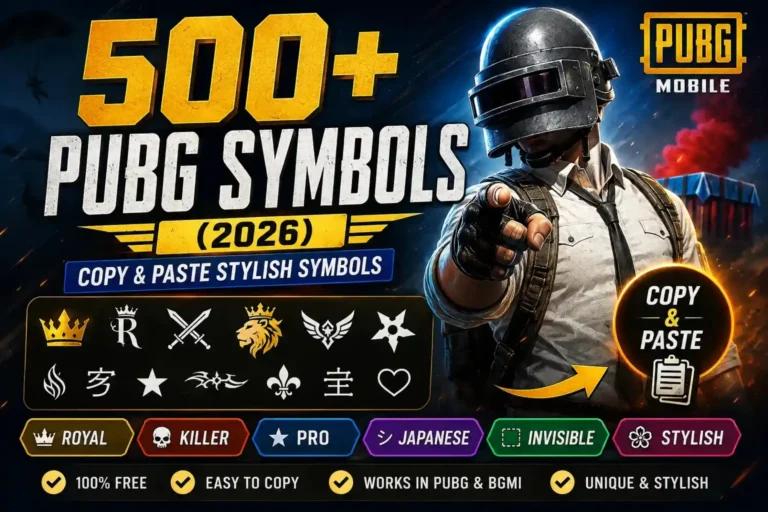
If you want to create a complete gaming identity, you can also combine these fonts with PUBG symbols or generate a unique nickname using our PUBG Name Generator. This guide is updated for 2026 to help you choose readable, compatible, and eye-catching fonts that stand out without making your name difficult to read.
How to Use PUBG Fonts
Using a stylish PUBG font only takes a few minutes. Follow these simple steps to copy your favorite font and use it as your new PUBG or BGMI nickname.
Choose a Font
Browse the PUBG font collection and pick the style that matches your gaming personality.
Copy the Font
Tap the Copy button below your favorite font. The text will be copied to your clipboard instantly.
Open PUBG
Launch PUBG Mobile, BGMI, or PUBG: BATTLEGROUNDS and sign in to your account.
Use a Rename Card
Go to your Inventory and select a Rename Card if you already have one available.
Paste the Font
Paste the copied PUBG font into the nickname box and check that it displays correctly.
Save Changes
Confirm your new nickname to complete the process. Your stylish PUBG font is now ready to use.
PUBG Font Character Limit
Most PUBG fonts use special Unicode characters instead of normal letters. While many font styles work, some may not display correctly on every device or game version. Keep your nickname short, readable, and test it before saving.
Maximum Characters
PUBG allows a limited nickname length. Stylish Unicode fonts and symbols also count toward the total character limit, so shorter names usually work better.
Unicode Support
PUBG supports many Unicode characters, including bold, italic, Gothic, bubble, and small caps fonts. Compatibility can vary after game updates.
Unsupported Fonts
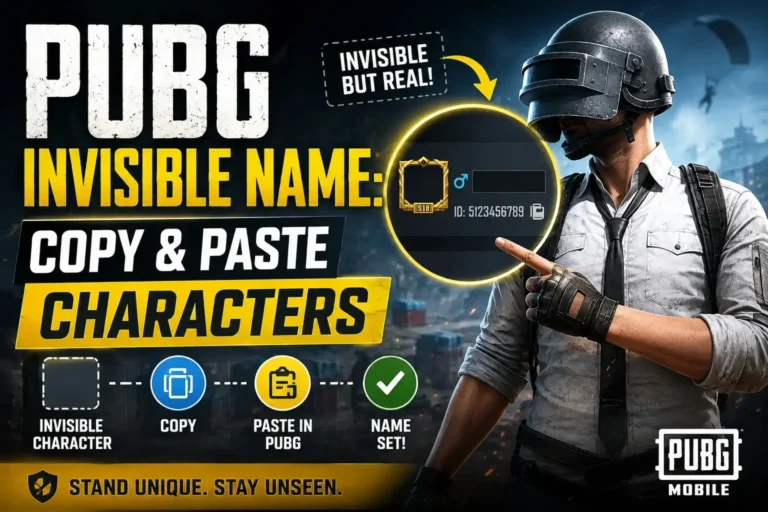
Some decorative characters or uncommon Unicode fonts may not display correctly or may be replaced with blank boxes inside the game.
Best Readable Fonts
Bold, Small Caps, Double-Struck, and Italic fonts are usually the easiest to read while still giving your PUBG name a stylish appearance.
💡 Best Practices
- Keep your PUBG nickname short and easy to recognize.
- Use one stylish font instead of mixing several font styles.
- Avoid adding too many symbols or decorative characters.
- Preview your nickname before confirming the name change.
- If a font does not display correctly, choose a simpler Unicode style.
Tips for Choosing the Best PUBG Font
The best PUBG font is one that looks stylish and is easy to read. These simple tips will help you choose a nickname that works well in PUBG and BGMI while avoiding common problems with unsupported characters.
Keep Names Readable
Choose a font that other players can read quickly. A clean nickname is easier to recognize during matches.
Avoid Unsupported Fonts
Some Unicode fonts may not display correctly in every game version. Test your font before saving it.
Mix One Font with One Symbol
Use one stylish font with a single symbol like ★, ♛, or ⚡ to create a balanced and professional nickname.
Test Before Saving
Preview your new PUBG name to make sure every letter and symbol appears correctly on your device.
Short Names Look Cleaner
Short PUBG names are easier to remember, fit within character limits, and usually look better with stylish fonts.
Don’t Overdecorate
Avoid using too many fonts and symbols together. A simple design often looks more professional and is easier to read.
Best Tools for PUBG Fonts
Need more than stylish PUBG fonts? Explore these free tools to create unique nicknames, copy gaming symbols, and discover ready-made PUBG names for boys and girls. Each tool is designed to help you build a memorable in-game identity.
PUBG Name Generator
Generate stylish PUBG names instantly with different fonts, symbols, and creative nickname ideas.
🚀 Open PUBG Name GeneratorPUBG Symbols
Browse hundreds of PUBG symbols, decorative characters, and Unicode icons with one-click copy.
⭐ Explore PUBG SymbolsPUBG Stylish Names for Boys
Find ready-made stylish PUBG names for boys, including pro, attitude, royal, and gaming nicknames.
🔥 View Boy NamesPUBG Stylish Names for Girls
Discover beautiful, cute, royal, and unique PUBG girl names that are ready to copy and use.
🌸 View Girl NamesConclusion
A good PUBG font helps your nickname stand out without making it difficult to read. The best choice is a font that looks unique, works correctly in the game, and matches your own gaming style. Before saving your new name, always preview it to make sure every character displays properly. These tools work together to help you create a clean, memorable PUBG or BGMI nickname that is easy to recognize in every match.