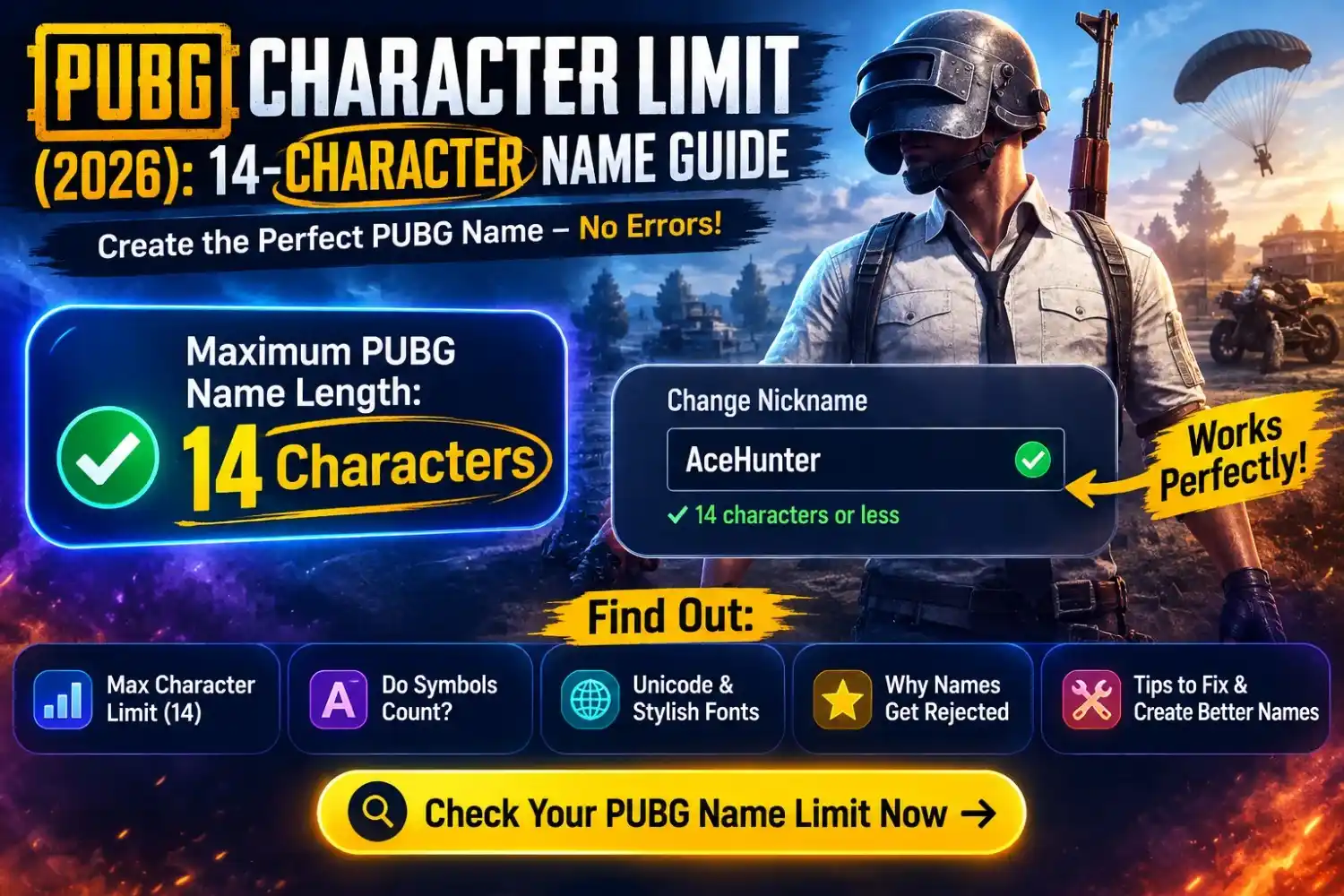
PUBG Character Limit (2026): 14-Character Name Guide
If you’re creating a new PUBG nickname, one of the first things to know is the PUBG character limit. Most PUBG versions allow up to 14 characters for a player name, and that limit includes letters, numbers, spaces, symbols, and many Unicode font characters. If your nickname goes over the limit or contains unsupported characters, the game may not let you save it.
On this page, you’ll learn how the PUBG character limit works in PUBG Mobile, BGMI, and PUBG: BATTLEGROUNDS (PC). We’ll also explain how stylish fonts and gaming symbols affect your nickname, what characters are supported, and how to avoid common name errors.
What Is the PUBG Character Limit?
The PUBG character limit is the maximum number of characters you can use in your in-game nickname. For most players, the limit is 14 characters. This total includes letters, numbers, spaces, symbols, and supported Unicode font characters. If your nickname is too long or contains unsupported characters, PUBG will not allow you to save it.
Maximum Nickname Length
Most PUBG versions allow up to 14 characters for a player name. Keeping your nickname short helps avoid save errors.
Do Spaces Count?
Yes. Every space you add is counted as part of your nickname, so use spaces only when needed.
Do Symbols Count?
Yes. Decorative symbols such as ★, ♛, ⚡, and ☬ also count toward the total character limit.
Do Unicode Fonts Count?
Yes. Stylish Unicode fonts like 𝗞𝗜𝗡𝗚 or 𝕶𝖎𝖓𝖌 count as characters just like normal letters.
Why Does PUBG Have a Limit?
The limit helps keep player names readable, prevents display issues, and ensures nicknames work properly across different devices and game versions.
💡 Quick Summary
When creating a PUBG nickname, remember that letters, numbers, spaces, symbols, and supported Unicode fonts all count toward the character limit. Before using a Rename Card, preview your nickname to make sure it fits within the allowed length and displays correctly in the game.
PUBG Character Limit by Game Version
| Game Version | Character Limit | Unicode Support | Rename Card Required |
|---|---|---|---|
| 📱 PUBG Mobile | 14 Characters | ✔ Yes | ✔ Yes |
| 🇮🇳 BGMI | 14 Characters | ✔ Yes | ✔ Yes |
| 💻 PUBG: BATTLEGROUNDS (Steam) | 14 Characters | ✔ Yes | ✔ Yes |
Do PUBG Symbols Count as Characters?
Yes. PUBG symbols count as characters. Decorative symbols, invisible characters, spaces, and supported Unicode characters are all included in your nickname length. If adding symbols makes your name longer than the allowed limit, PUBG will not let you save it. Choosing a few compatible symbols is usually better than filling your nickname with decorations.
Symbols Count
Gaming symbols such as ★, ♛, ⚡, ☬, and 亗 count toward your total nickname length.
Decorative Characters
Decorative characters like ꧁ ꧂ 『』 《》 also count as characters, even if they are only used for styling.
Invisible Characters
Invisible characters still use character space. If supported, they count toward the total nickname limit.
Emoji Support
Most emojis are not supported in PUBG player names. Unsupported emojis may not display or may cause a name error.
Unicode Characters
Supported Unicode letters and symbols count the same as normal text. Some uncommon Unicode characters may not work in every game version.
| Example Name | Uses Symbols? | Counts Toward Limit? |
|---|---|---|
| KING | No | ✔ Yes |
| ★KING | ★ Symbol | ✔ Yes |
| ☬KING☬ | Decorative Symbols | ✔ Yes |
| ꧁KING꧂ | Decorative Unicode | ✔ Yes |
| 亗KING | Unicode Symbol | ✔ Yes |
| 😊KING | Emoji | ⚠ Usually Not Supported |
Best PUBG Names Within the Character Limit
A short PUBG nickname is easier to read, fits within the character limit, and looks clean during gameplay. Below are stylish names that stay compact while still giving your profile a unique look. Click any name to copy it instantly.
Short Stylish Names
Names with Symbols
Looking for a nickname that stands out without exceeding the PUBG character limit? These short names combine stylish symbols with simple text, making them easy to read and ready to copy.
Pro Player Style
Want your nickname to look like a professional PUBG player? These short, clean, and competitive names stay within the character limit while giving your profile a powerful esports-style appearance.
Tips to Stay Within the PUBG Character Limit
The easiest way to avoid nickname errors is to keep your PUBG name simple and readable. These practical tips will help you create a stylish nickname that fits the character limit and works correctly across PUBG Mobile, BGMI, and PUBG: BATTLEGROUNDS.
Keep Names Short
Short nicknames are easier to remember and less likely to exceed the PUBG character limit. A clean name also looks better during gameplay.
Avoid Extra Symbols
Every symbol counts as a character. Using too many decorative symbols can quickly push your nickname over the allowed limit.
Use One Font Style
Choose a single Unicode font instead of mixing several styles. This keeps your nickname clear and improves compatibility.
Preview Before Saving
Always check how your nickname looks before confirming the name change. Make sure every letter and symbol displays correctly.
Remove Extra Spaces
Spaces count toward the character limit. Delete unnecessary spaces to free up room for letters or symbols.
Test Before Confirming
If possible, test your nickname before using a Rename Card. This helps you avoid errors caused by unsupported characters.
Common Character Limit Errors
If PUBG does not accept your new nickname, the problem is usually related to the character limit or unsupported characters. Check the common errors below to find the cause and fix it quickly.
Best Tools for Creating PUBG Names
Need help creating a PUBG nickname that fits the character limit? These free tools make it easy to generate stylish names, copy compatible fonts, use supported symbols, and discover ready-made nicknames that work in PUBG Mobile, BGMI, and PUBG: BATTLEGROUNDS.
PUBG Name Generator
Create unique PUBG names that fit the character limit. Generate stylish nicknames in seconds, preview them before using a Rename Card, and copy your favorite with one click.
Open Name Generator →PUBG Fonts
Browse compatible Unicode fonts that work in PUBG. Copy readable font styles and make your nickname stand out without using unsupported characters.
Explore PUBG Fonts →PUBG Symbols
Find popular gaming symbols that players use in their nicknames. Copy supported symbols and combine them with your name while staying within the character limit.
Browse Symbols →PUBG Stylish Names
Explore ready-made PUBG nicknames for boys, girls, pro players, and clans. Copy a stylish name instantly or use it as inspiration for your own nickname.
View Stylish Names →Conclusion
The PUBG character limit is more than just a number—it determines whether your nickname can be saved successfully. In most cases, keeping your name within 14 characters, using supported Unicode fonts, and avoiding too many symbols will give you the best results. A short, readable nickname also looks cleaner during matches and is easier for teammates to recognize.
Frequently Asked Questions
Find quick answers to the most common questions about the PUBG character limit, supported symbols, Unicode fonts, and nickname rules.
One Comment