PUBG Invisible Name (2026): Copy & Paste Characters
PUBG Invisible Name Copy & Paste
Copy the blank-looking Unicode character below and paste it into your PUBG name field. It may appear empty, but it is a real character.
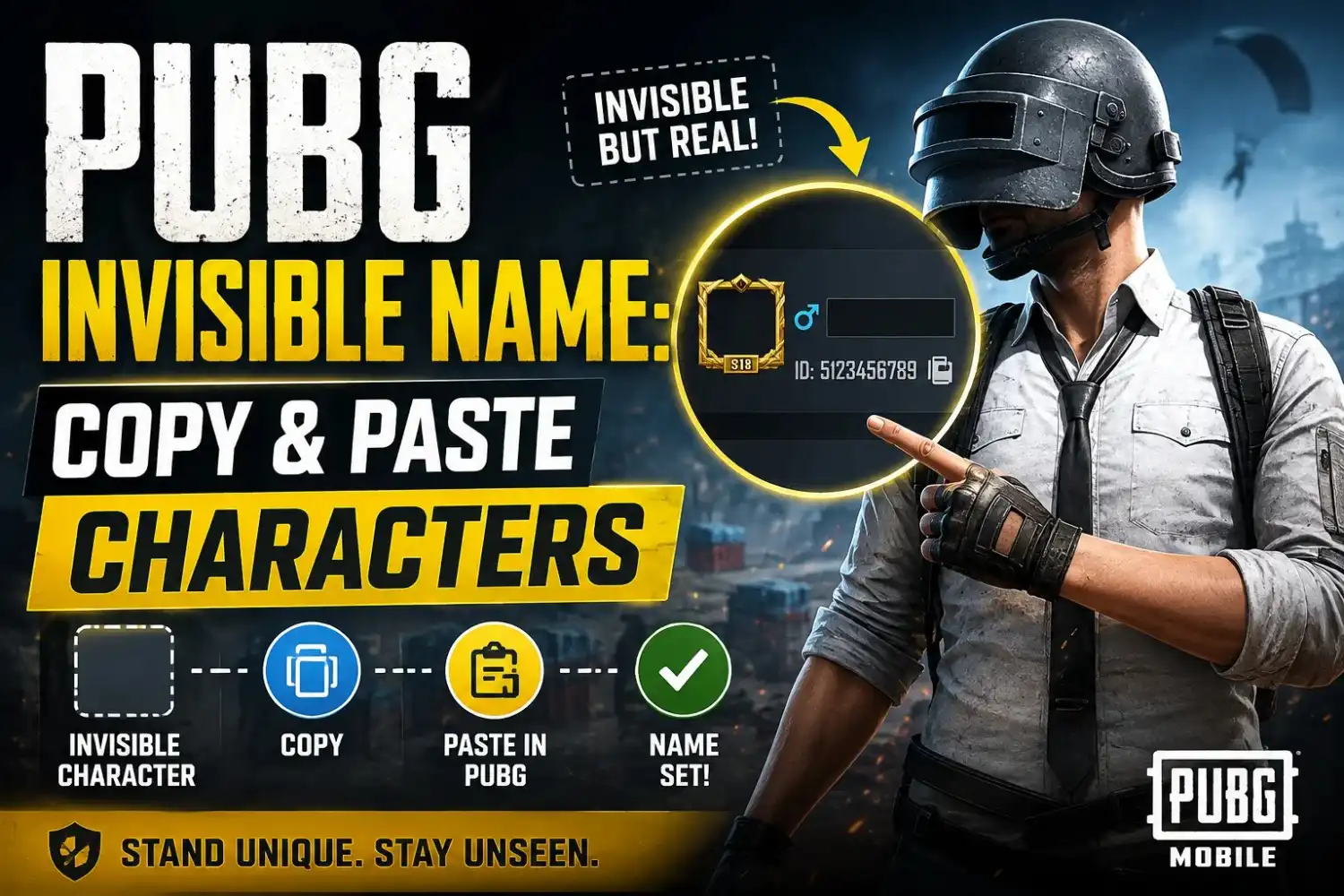
A PUBG invisible name uses a special Unicode character that looks blank instead of showing normal letters. Copy this invisible character: ㅤ and paste it into PUBG or PUBG Mobile when changing your nickname. This blank-looking character is not the same as pressing the normal spacebar; it is a Unicode character that can appear empty on screen. PUBG and PUBG Mobile may handle invisible characters differently after updates, so if one character is rejected, try another supported character before confirming your name change.
PUBG Invisible Name Generator
Generate or select a blank-looking Unicode character without searching for one manually. Copy your result and paste it into the PUBG nickname field.
Best Tools for PUBG Names
Need more than an invisible character? Use these related PUBG name tools to create a complete nickname, add stylish fonts, or copy symbols without searching through unrelated pages.
PUBG Name Generator
Create complete PUBG nicknames using stylish combinations, symbols, and name ideas.
Create PUBG NamePUBG Fonts
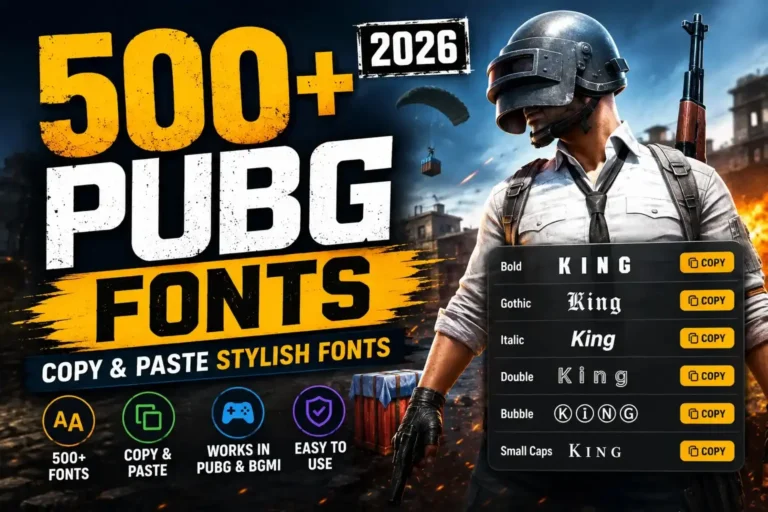
Find stylish Unicode fonts that you can copy and use when creating a unique PUBG nickname.
Explore PUBG FontsPUBG Symbols
Copy gaming symbols for PUBG names and combine them with letters or stylish fonts.
Copy PUBG SymbolsHow to Get a PUBG Invisible Name
Getting an invisible PUBG name takes only a few steps. Copy the invisible character, paste it into the nickname field, and check the result before saving.
Copy the Invisible Character
Tap the Copy Invisible Name button above to copy the blank-looking Unicode character.
Open PUBG
Launch PUBG and open your profile so you can access your nickname or account settings.
Open the Rename Option
Select the option PUBG provides for changing your nickname. You may need a Rename Card depending on your account.
Paste the Invisible Character
Tap the name field and paste the character you copied. It may look blank even though a Unicode character is present.
Preview and Save
Check the nickname before confirming. If PUBG accepts the character, save the new name.
PUBG Invisible Name Symbol
An invisible Unicode character is a real text character that can appear empty on screen. Unlike a normal keyboard space, it has its own Unicode value, which is why PUBG may process it differently.
What Is an Invisible Unicode Character?
It is a Unicode character that has little or no visible glyph in the font being used. Your screen may show a blank area even though the character is present.
Why Does It Look Blank?
Some Unicode characters do not have a visible letter or symbol. The device still stores the character, but there may be nothing obvious to display.
Invisible Character vs Normal Space
A normal space is a standard whitespace character. An invisible Unicode character can have different properties, so PUBG may accept one while rejecting the other.
Why May PUBG Treat It Differently?
PUBG checks nickname characters against its own rules. A blank-looking Unicode character can therefore behave differently from a space typed with your keyboard.
Why Might an Invisible Character Not Work?
Game updates, character restrictions, platform differences, or unsupported Unicode characters can cause a blank-looking name to be rejected.
Copy Invisible Character
Invisible Name Space vs Invisible Character
A normal space, invisible Unicode character, and invisible text can look similar, but they are different types of characters. PUBG may accept one and reject another, depending on its current character rules.
| Type | Looks Like | Can Be Copied | PUBG Support |
|---|---|---|---|
| Normal Space | Blank | Yes | May be restricted |
| Invisible Unicode | Blank | Yes | Depends on support |
| Visible Symbol | Visible | Yes | Depends on character |
| Invisible Text | Blank | Yes | Depends on version |
PUBG Mobile Invisible Name
Want an invisible name on PUBG Mobile? Copy the invisible character, open your profile, use the name-change option, paste it, and confirm if PUBG accepts the character.
Copy the Character
Tap the button below to copy the blank-looking Unicode character.
Open PUBG Mobile
Launch PUBG Mobile and wait for your account to load.
Open Your Profile
Go to your profile and find the option for changing your nickname.
Use the Rename Option
Open the available name-change option. A Rename Card may be required depending on your account.
Paste & Confirm
Paste the invisible character into the name field, preview it, and confirm if PUBG accepts it.
Ready to try it? Copy the invisible character directly to your clipboard.
Why Is My PUBG Invisible Name Not Working?
An invisible PUBG name may fail because the character is unsupported, the name field has restrictions, or the game has changed its nickname rules. Tap an issue below to see the quickest explanation.
How to Fix PUBG Invisible Name Errors
If PUBG rejects your invisible name, try another Unicode character, remove unnecessary spaces, and test the name before confirming the change. These simple checks can help you find the problem quickly.
Try Another Invisible Character
Some Unicode characters may not be accepted by PUBG. Try another invisible character from the generator.
Remove Extra Spaces
Delete normal spaces from the nickname before trying again. A standard space may be restricted by the name field.
Copy Again
Copy the invisible character directly from the tool instead of trying to type or recreate it manually.
Check the Character Limit
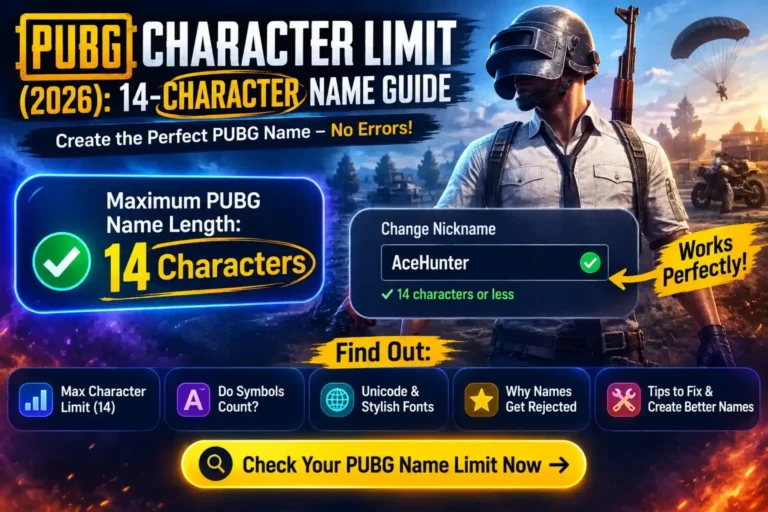
A blank-looking character can still count toward the allowed nickname length. Check the PUBG Character Limit before confirming your name.
Update or Restart PUBG
Temporary game or server issues can interfere with name changes. Restart the game and try again with a stable connection.
Test Before Confirming
Make sure PUBG accepts the character before completing the name change. This helps avoid wasting a Rename Card.
Conclusion
A PUBG invisible name uses a blank-looking Unicode character, but not every invisible character is accepted by PUBG or PUBG Mobile. The easiest approach is to copy a supported-looking character from the generator, paste it into the nickname field, and check the result before confirming.
If your invisible name does not work, try another character, remove extra spaces, and make sure your name stays within the current PUBG character limit. Test the name before using a Rename Card so you do not waste the rename attempt.
Frequently Asked Questions
Find quick answers to common questions about PUBG invisible names, Unicode characters, copying, pasting, and name restrictions.