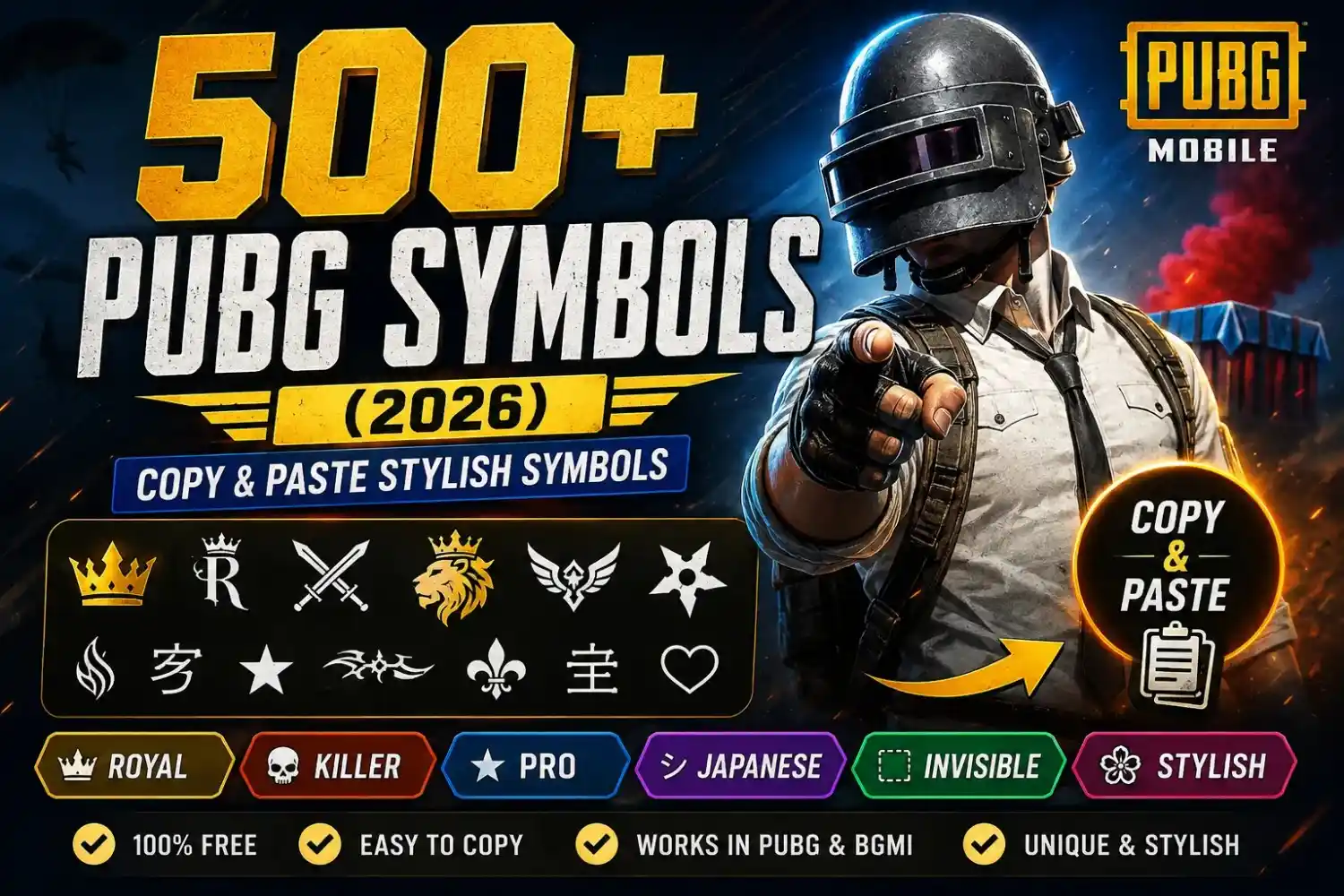
500+ PUBG Symbols (2026) – Copy & Paste Stylish Symbols
Popular PUBG Symbols
Copy your favorite PUBG symbols with one click and use them in your nickname, clan tag, or gaming profile.
PUBG Symbols by Category
Browse PUBG symbols by category and copy your favorites instantly. These popular symbols are commonly used by PUBG Mobile and BGMI players to create eye-catching nicknames.
👑 Royal Symbols
☠ Killer Symbols
😎 Attitude Symbols
🌸 Cute Symbols
🎮 Pro Gamer Symbols
🛡 Clan Symbols
🇯🇵 Japanese Symbols
👻 Invisible Symbols
Use an invisible character to create unique PUBG nicknames, stylish spacing, or blank clan tags. Tap any card below to copy the invisible character instantly.
💡 How to Use an Invisible Character
- Copy the invisible character using the button above.
- Open PUBG Mobile or BGMI.
- Go to your profile and use a Rename Card.
- Paste the invisible character where you want extra spacing.
- Preview your nickname before saving.
- Some PUBG versions may not support invisible characters.
Best PUBG Symbols for Nicknames
Looking for ready-to-use PUBG nickname ideas? Copy any symbol combination below and use it instantly in PUBG Mobile or BGMI.
🎮 Want a Complete Stylish PUBG Name?
This page is dedicated to PUBG symbols only. If you want a complete nickname with stylish fonts, symbols, and one-click copy, try our PUBG Name Generator. It instantly creates hundreds of unique PUBG and BGMI names for boys, girls, clans, and pro players.
Decorative PUBG Symbols
Decorative PUBG symbols help make your nickname more attractive and unique. Copy any symbol below and use it in PUBG Mobile or BGMI to create stylish gamer names.
Adding the right symbols is one of the easiest ways to make your PUBG nickname look more unique without changing the entire name. A small icon like 👑, ☬, ⚔, or 亗 can give your profile a bold, royal, or professional look that stands out in the lobby and during matches. Whether you play PUBG Mobile, BGMI, or PUBG New State, choosing compatible symbols can help you create a nickname that feels more personal while staying easy to read.
On this page, you’ll find a carefully organized collection of PUBG symbols that you can copy and paste in seconds. We’ve grouped them into popular categories such as royal, pro, killer, attitude, cute, clan, and decorative symbols, making it easier to find the style that matches your gaming personality. You’ll also learn which symbols work in PUBG, how to use them correctly, and simple tips to avoid unsupported characters. If you’re looking for stylish nicknames instead of symbols, you can use our PUBG Name Generator to create complete gaming names with fonts and symbols.
How to Add Symbols to Your PUBG Name
Adding stylish symbols to your PUBG nickname only takes a few minutes. Follow these simple steps to create a unique name for PUBG Mobile or BGMI.
Choose a Symbol
Select your favorite PUBG symbol from the collections above. Pick one that matches your gaming style.
Copy the Symbol
Tap the Copy button to instantly copy the symbol to your clipboard.
Open PUBG
Launch PUBG Mobile or BGMI and sign in to the account where you want to update your nickname.
Use a Rename Card
Open your inventory and use a Rename Card to edit your current PUBG nickname.
Paste the Symbol
Paste the copied symbol before, after, or around your nickname to create a stylish look.
Save Your Name
Preview your nickname to make sure it looks perfect, then save the changes and enjoy your new PUBG identity.
💡 Pro Tip
For the best-looking PUBG nickname, combine one or two stylish symbols with a short gamer name. Avoid adding too many symbols because they count toward PUBG’s character limit and can make your nickname harder to read.
PUBG Symbol Character Limit
Using symbols can make your PUBG nickname stand out, but it’s important to stay within the game’s naming rules. Understanding character limits and supported Unicode symbols helps you create a stylish name that works correctly in PUBG Mobile and BGMI.
Character Count
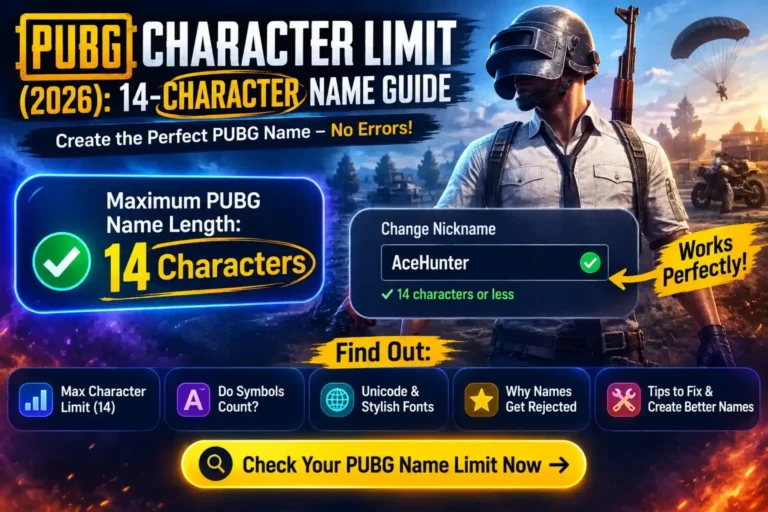
PUBG names usually support a maximum of 14 characters. Every letter, number, emoji, space, and Unicode symbol counts toward this limit, so shorter names leave more room for stylish symbols.
Unicode Support
PUBG supports many popular Unicode symbols such as ★ ☬ ⚔ ♛ 亗 乂 ✿ ❖. However, support can vary slightly depending on the game version and device.
Unsupported Symbols
Some rare Unicode characters, emojis, or decorative symbols may appear as empty boxes or fail to save. Always preview your nickname before confirming the change.
Best Practices
Use one or two symbols with a short nickname for the best results. This keeps your PUBG name clean, readable, and within the allowed character limit.
✅ Tips for Using PUBG Symbols
- Keep your nickname under 14 characters.
- Choose widely supported Unicode symbols for better compatibility.
- Avoid using too many decorative symbols in one nickname.
- Preview your name before saving it with a Rename Card.
- Test your nickname in PUBG Mobile and BGMI to ensure every symbol displays correctly.
Tips for Choosing PUBG Symbols
The right PUBG symbol can make your nickname look stylish without making it difficult to read. Follow these simple tips to create a clean, professional, and game-compatible PUBG or BGMI name.
Don’t Overuse Symbols
Adding too many symbols can make your PUBG nickname look messy and may quickly reach the game’s character limit. One or two symbols are usually enough.
Keep Names Readable
Choose symbols that improve your nickname instead of hiding it. A simple and readable name is easier for teammates and opponents to recognize.
Use Compatible Unicode
Stick with popular Unicode symbols like ★ ☬ ♛ ⚔ ❖ 亗 乂 ✿ because they work well in most PUBG Mobile and BGMI versions.
Test Before Saving
Always preview your nickname before confirming it. Some rare Unicode symbols may not display correctly on every device or game update.
Mix One Font + One Symbol
For the best result, combine one stylish font with one matching symbol. This creates a professional-looking PUBG nickname without making it overcrowded.
🎯 Pro Recommendation
- ✔ Use one stylish symbol at the beginning or end of your nickname.
- ✔ Keep your nickname short so it stays within PUBG’s character limit.
- ✔ Avoid unsupported Unicode characters that appear as empty boxes.
- ✔ Test your nickname in PUBG Mobile or BGMI before saving it permanently.
- ✔ If you want a complete stylish nickname, combine these symbols with a stylish Unicode font.
Conclusion
The right PUBG symbols can make your nickname look more unique without making it difficult to read. Whether you prefer a royal, pro, killer, cute, or Japanese style, choosing compatible Unicode symbols helps your name display correctly in both PUBG Mobile and BGMI. Keep your nickname simple, use only one or two well-supported symbols, and always preview it before saving with a Rename Card.
This page is updated with a carefully selected collection of PUBG symbols that are easy to copy and free to use. If you’re looking for more than just symbols, try our PUBG Name Generator to create complete stylish nicknames with fonts, symbols, and ready-to-copy combinations in just a few seconds. It is the easiest way to build a unique gaming identity that stands out in every match.
Frequently Asked Questions
Find quick answers to the most common questions about PUBG symbols, Unicode characters, BGMI compatibility, invisible symbols, and how to use them in your nickname.
PUBG symbols are special Unicode characters such as ★, ☬, ⚔, ♛, and 亗 that players add to their nicknames to make them look unique and stylish.
Popular symbols like ★, ☬, ♛, ⚔, ❖, 乂, 亗, ✿, and 〆 work in most versions of PUBG Mobile and BGMI.
Yes. PUBG supports many Unicode symbols, although some rare characters may not display correctly depending on the game version.
Yes. Every symbol counts toward PUBG’s nickname character limit, so use them carefully if you have a longer name.
Some of the most popular PUBG symbols are 👑, ☬, ⚔, ♛, ★, 亗, and 乂 because they look great and are widely supported.
Yes. BGMI supports most of the same Unicode symbols that work in PUBG Mobile, including popular decorative and gaming symbols.
Yes, some invisible Unicode characters can be used, but they may not work in every PUBG or BGMI update.
Yes. All PUBG symbols on this page are free to copy and use in your nickname without any registration.
This usually happens because the symbol isn’t supported by your game version or device. Try using a more common Unicode symbol instead.
Simply click the Copy button beside any symbol on this page, then paste it into your PUBG or BGMI nickname using a Rename Card.
One Comment